
Checked November 1, 2026
How to Improve Candy Quality
Use the target pattern and stage feedback to improve your next batch.
Quick answer
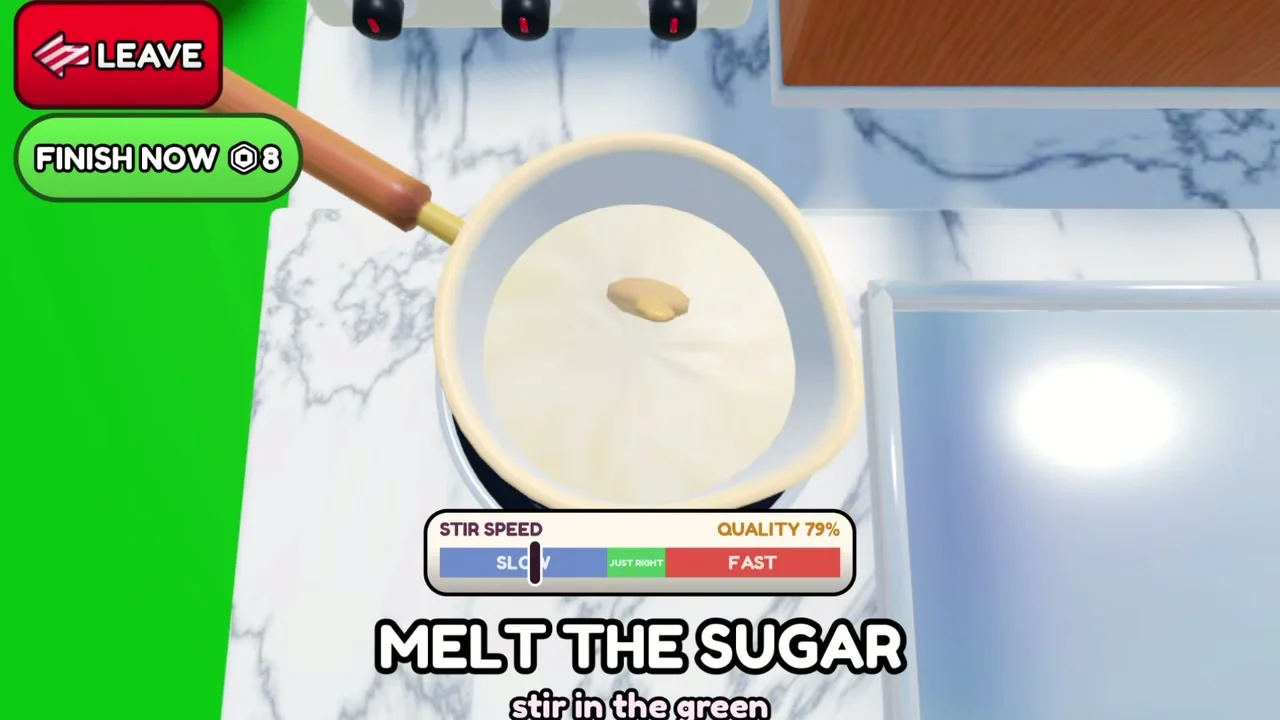
The recorded melting screen explicitly asks the player to stir in the green. Quality is shown alongside the meter, so watch both while controlling the stirring speed.
§Keep the stirring meter in its target region#
The recorded melting screen explicitly asks the player to stir in the green. Quality is shown alongside the meter, so watch both while controlling the stirring speed.
If the indicator is too far toward FAST or SLOW, adjust the input until it returns to the green region. The exact score loss per mistake is not established by the reviewed recording.
§Fill the tray before moving on#
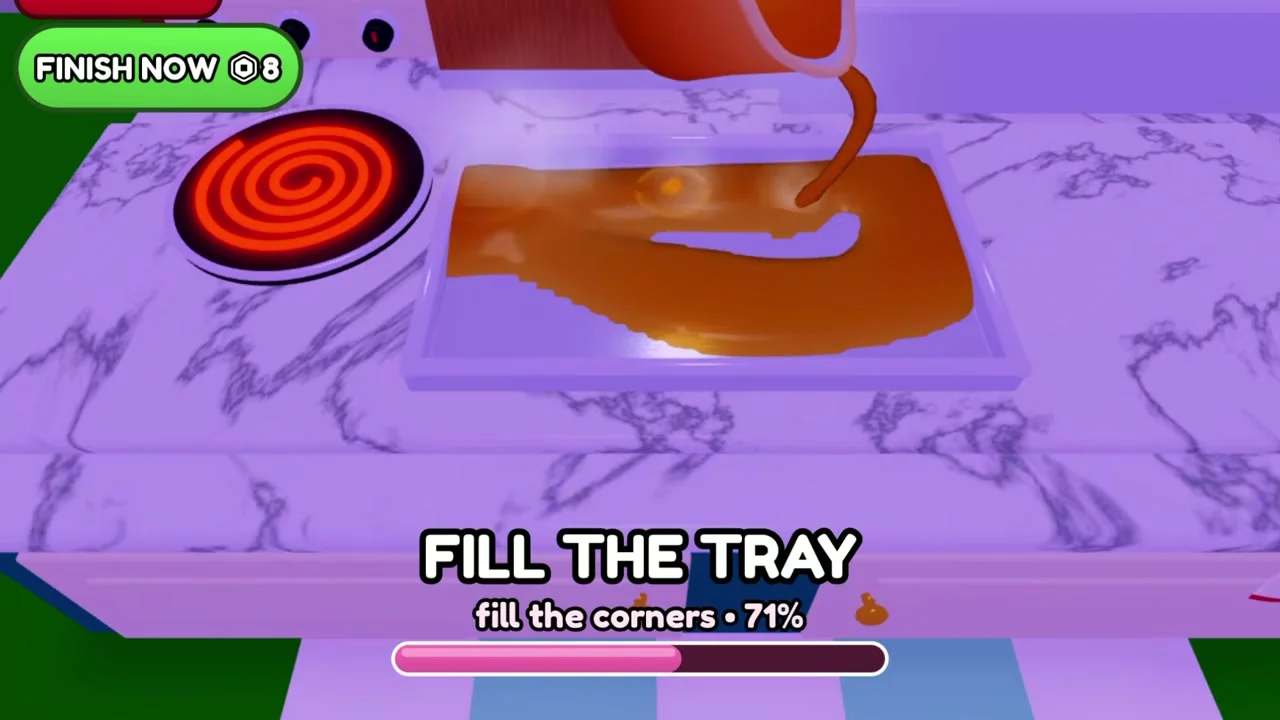
The pouring stage displays FILL THE TRAY and a percentage. A later recording prompt says fill the corners. Use the visible empty areas and percentage as feedback while spreading the syrup.
A partially filled tray frame shows an intermediate state, not a finished score. Continue according to the current prompt instead of copying the pictured percentage as a target.
§Match the requested design cell by cell#
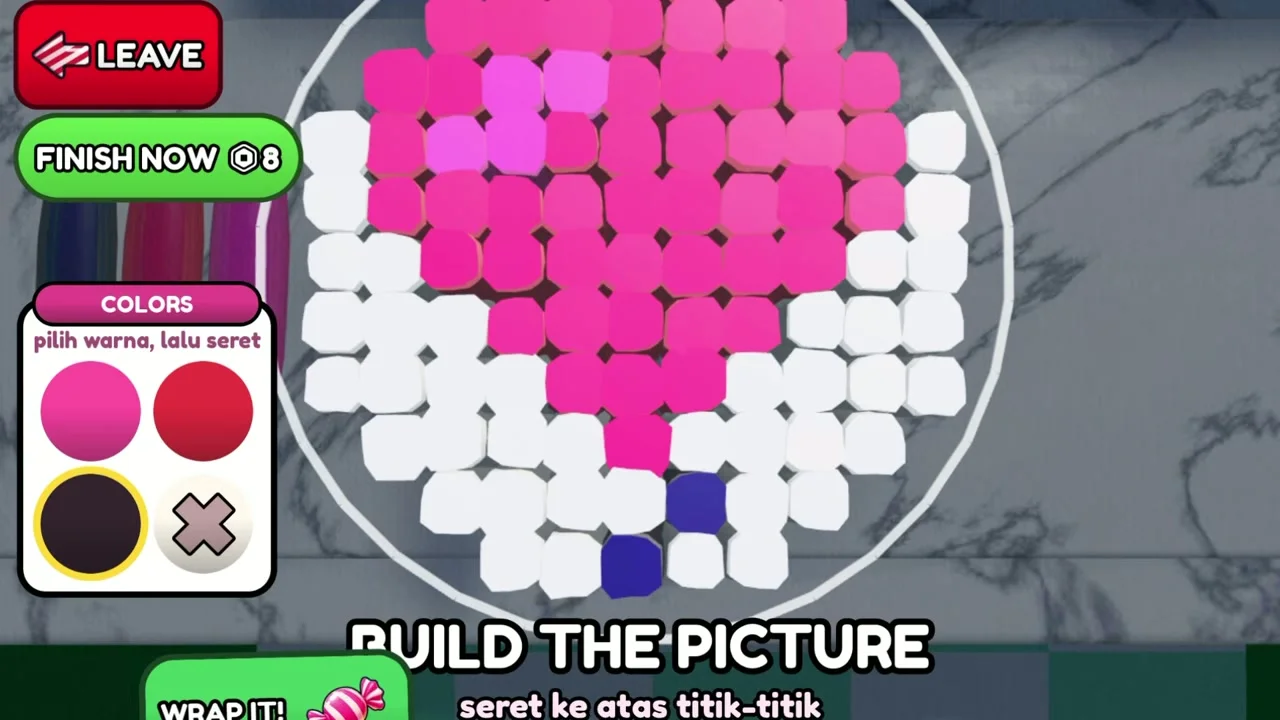
The picture grid uses colored cells and a limited palette. Check the outline, the main color and small interior details before wrapping. It is easier to inspect these while the grid is still open.
The official description promises PERFECT pay for a matching picture. No checked source gives a universal tolerance, so this guide does not claim that a specific number of wrong cells is acceptable.
§Read the report card after the batch#
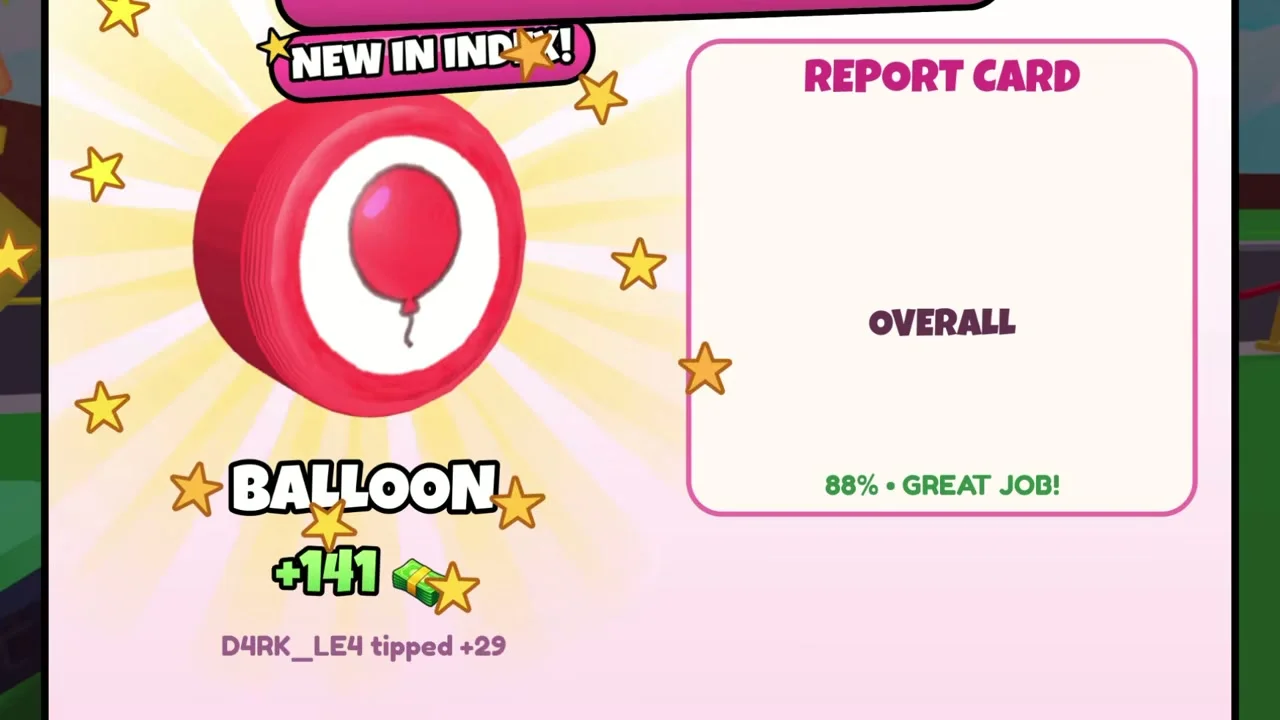
The reviewed result screen shows a Balloon design with an overall 88% and a Great Job message. It also shows a new Index entry and a tip. This demonstrates a useful end-of-batch feedback screen.
Use your own report card to compare attempts. That recorded payout is not a universal Balloon reward, and the site has not personally tested the minigame.
§Separate quality feedback from cash multipliers#
The official cash ladder descriptions advertise 2x, 4x, 8x and 16x cash across candy, tips, shops and workers. They do not say that these passes improve the picture match or the stirring quality score. Diagnose a weak report card from the minigame feedback first.
The 2x Sugar Stars description states a cash bonus of +2% per star instead of +1%. Star locations and a complete collection route remain unverified, so this guide does not promise a total bonus or a fastest route.
Scope and sources
Checked November 1, 2026.
- Recorded gameplay is community footage. Menus, prices and rewards may change. This site does not claim personal playtesting.